

Order
1
Scan the code
Scan the QR code at your court or bay.
2
Add what you want
Select + beside an item to add it, and + or − to change how many. For an item with sizes, pick a size and how many, then select Add to order.
3
Send it
Select View order, check it, and select Send order.
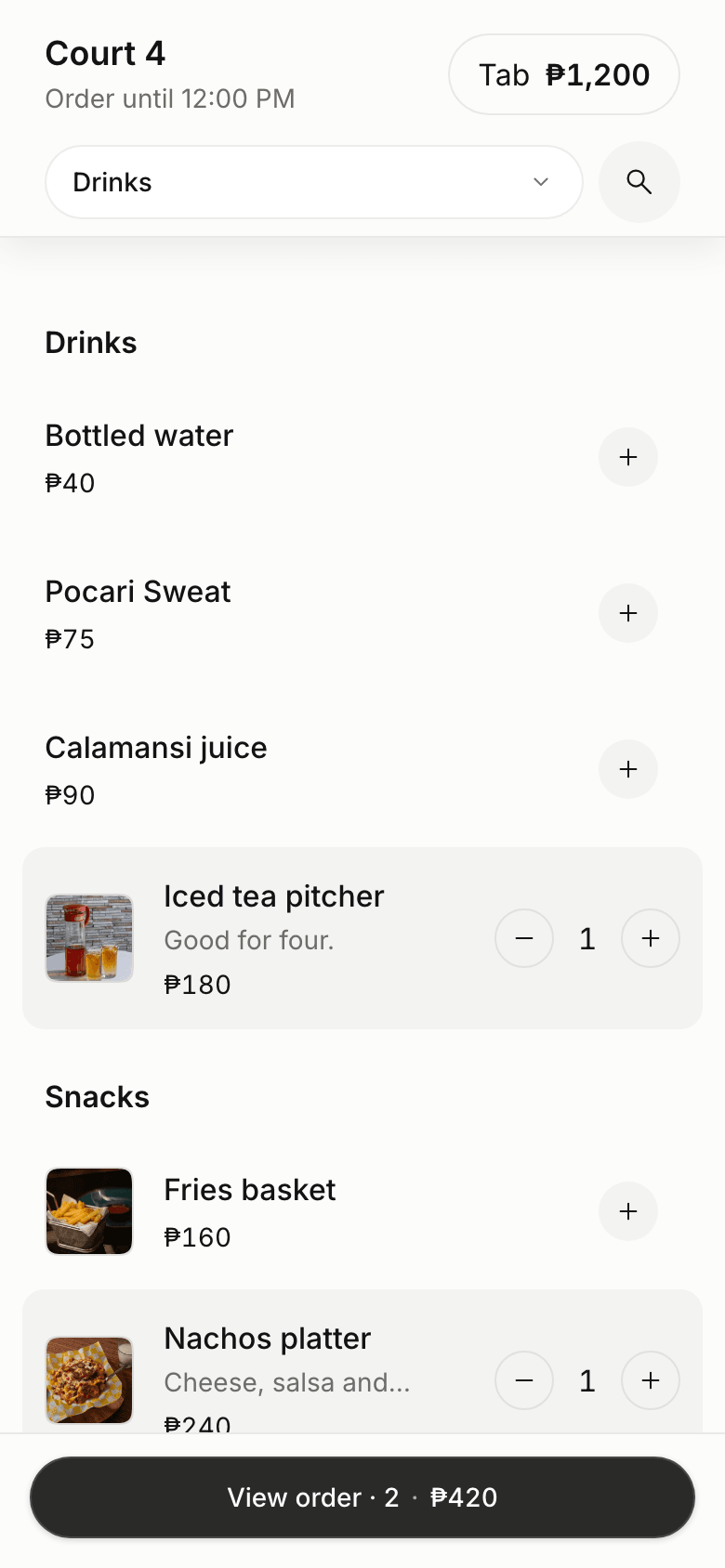
The menu on a phone
Pay
Everything you order goes on your tab, along with the court or bay if it isn’t paid yet. Everyone at the same court or bay orders onto the same tab. Select View tab to see it, then Pay the tab to pay from your phone, or pay in person when you’re done.Good to know
- Ordering opens when your booking starts and closes when it ends.
- If an item sells out before you send, it comes off your order and the total updates.
- If ordering is paused or the code doesn’t work, ask the staff.